Introduction
Account verification is an important part of maintaining secure access to an online platform. For beginners using Reddyanna, understanding why verification may be requested and how to complete the process correctly can help prevent unnecessary delays or login problems. Verification requirements can vary depending on account status, platform rules and the type of activity being performed.
Before starting, users should make sure their registered information is accurate and keep access to their registered mobile number or email address.
Why Is Account Verification Important?
Verification helps confirm that account information belongs to the correct user. It can also provide an additional layer of protection against unauthorised access.
Depending on the current requirements, verification may involve:
- Mobile number confirmation
- Email verification
- Identity checks
- Date-of-birth confirmation
- OTP verification
- Additional KYC information
The platform states that users may need to verify their mobile number, email address or identity through OTP or KYC steps depending on its requirements.
Check Your Account Details First
Before beginning verification, review the information associated with your account. Small errors in personal details can sometimes create problems during verification.
Check that:
- Your name is entered correctly
- Your mobile number is active
- Your email address is accessible
- Your date of birth is accurate
- Your submitted information matches the requested documents
Using accurate information from the beginning can make the verification process easier.
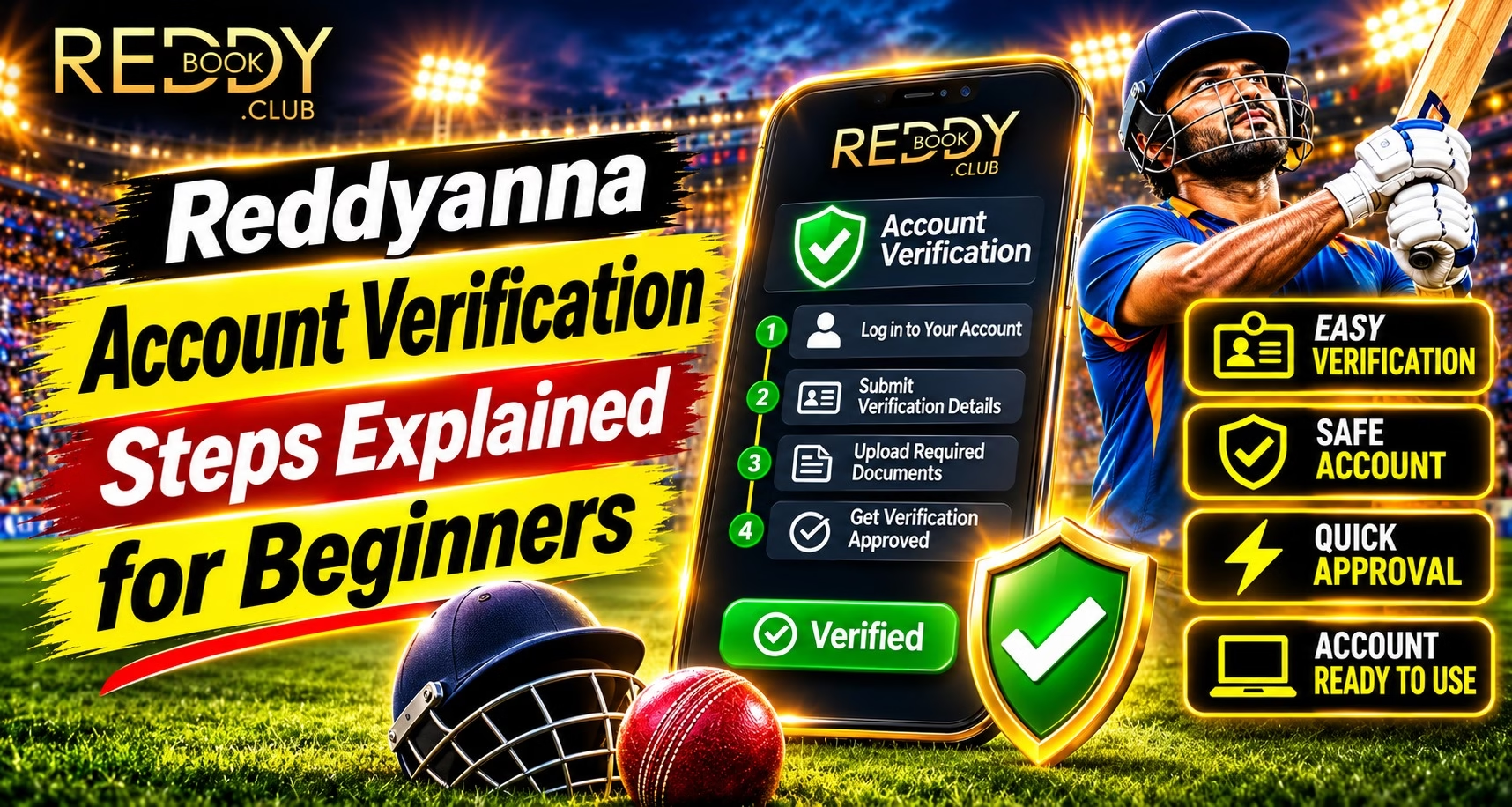
How to Complete Basic Verification
The exact process can vary, but beginners can generally follow a straightforward sequence.
Step 1: Access the Official Website
Use the official platform address rather than links received through unknown messages or social-media accounts.
Check the domain carefully before entering any personal information.
Step 2: Open Your Account Settings
After accessing your account, look for a verification, profile or account-security section if one is available.
Read the instructions carefully before submitting information.
Step 3: Confirm Your Contact Details
If an OTP is sent to your registered mobile number or email, enter it only through the official verification page.
Never share an OTP with another person.
Step 4: Complete Additional Verification
If identity or KYC verification is requested, follow the displayed requirements carefully. Submit only the information that is officially requested.
Keep Your Login Information Secure
Verification and login security work together. Users should create a strong, unique password and avoid saving credentials on shared or public devices.
When using Reddy Anna book login, remember to:
- Keep your password private
- Avoid sharing OTPs
- Use trusted devices
- Check the website address before logging in
- Log out from shared computers
The platform also advises users to keep passwords private and use official access channels.
What If Verification Fails?
Verification may fail because of incorrect information, an expired OTP, incomplete details or a technical issue.
If this happens:
- Check the information you entered.
- Request a new OTP if the previous one has expired.
- Confirm that your mobile or email is accessible.
- Avoid submitting repeated incorrect information.
- Use recognised support channels if the issue continues.
Do not send passwords, OTPs or banking credentials to someone claiming to provide verification assistance.
Read More : Reddy Anna Sports Platform Discovering a Smarter Cricket Experience
Avoid Fake Verification Requests
Scammers may send messages claiming that an account must be verified urgently. A familiar logo or professional-looking message does not prove that the request is genuine.
Before responding:
- Check the sender carefully
- Avoid unfamiliar links
- Do not scan unknown QR codes
- Never share passwords or OTPs
- Verify unusual requests independently
The platform specifically recommends checking suspicious links and verifying unusual account requests through trusted channels.
Conclusion
Account verification does not need to be complicated when users understand the basic process. Checking personal information, confirming contact details, following official instructions and protecting authentication codes can help create a safer account-access experience.
For beginners using Reddyanna, the most important habit is to verify information through official channels and avoid sharing sensitive credentials. Keeping account details accurate and security practices consistent can also reduce future access problems.
FAQs
What information may be required for account verification?
Requirements can vary, but users may be asked to confirm contact details, identity information, date of birth or other KYC details.
Should I share my OTP during verification?
No. OTPs are private security codes and should never be shared with another person.
What should I do if my verification fails?
Check your submitted details, request a new OTP if necessary and use recognised support channels if the problem continues.
How can I avoid fake verification messages?
Check the website address, avoid unfamiliar links and independently verify unusual requests before providing any account information.