
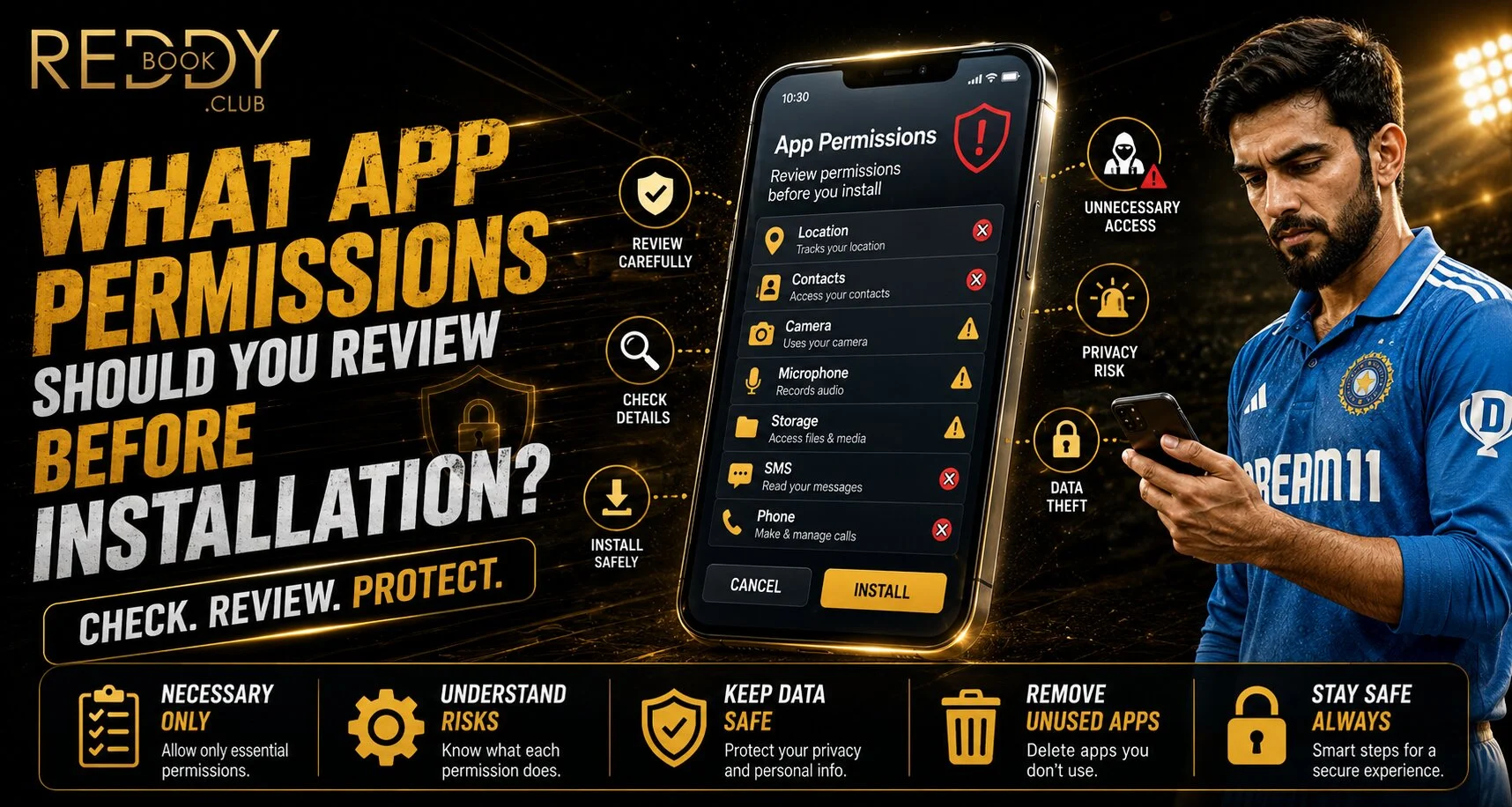
Introduction
Installing a new app takes only a few seconds, but accepting unnecessary permissions can create privacy and security concerns. Before downloading any gaming or account-based application, Reddyanna users should check what information the app wants to access and whether those permissions make sense for its actual purpose.
On Android, Google Play provides a Data safety section where users can review how an app says it collects, shares and protects data before installation.
Check Location Access Carefully
Location permission can reveal where a device is being used. Some apps genuinely need location features, while others may work perfectly well without continuous access.
Before using a Reddy anna book service through an app, consider whether precise location is really necessary. Android allows users to review location permissions through the Permission Manager, while iPhone users can control location access through Privacy & Security settings.
Choose the least access needed whenever possible.
Review Camera and Microphone Permissions
Camera and microphone access deserves particular attention because these permissions allow apps to interact with important hardware features.
Ask yourself:
- Does the app actually need the camera?
- Is microphone access essential?
- Does the feature work without these permissions?
- Is access needed all the time or only while using the app?
Android lets users change camera and microphone permissions after installation, while iPhone users can review which apps have requested these hardware permissions.
For a Reddy book account, avoid approving unrelated permissions simply to complete installation faster.
Look at Contacts and Phone Permissions
An app asking for access to contacts, call logs or phone functions should have a clear reason.
Android identifies contacts, call logs and phone access as separate permission categories that users can review and manage.
Gaming users should be cautious if an app requests access to:
- Contact lists
- Call history
- SMS messages
- Phone controls
- Nearby devices
These permissions may be legitimate for certain communication apps, but they are not automatically necessary for every gaming platform.
Review Photos, Videos and File Access
Storage-related permissions can allow an app to access photos, videos or other files stored on the device. Android gives users separate controls for photos and videos, files, music and other media categories.
When installing an app connected to a Reddy anna book account, consider whether broad file access is genuinely required. If the app only needs a profile picture, limited photo access may be more appropriate than unrestricted access.
Check Data Safety Before Downloading
Google Play’s Data safety section can show information provided by developers about data collection, sharing and security practices before users download an app. Google also notes that developers are responsible for accurately declaring these practices.
A Reddy book user should review:
- What personal data is collected
- Whether data is shared
- Whether collection is optional
- Available security information
- The app’s privacy policy
This gives users more context before deciding whether installation is appropriate.
Keep Play Protect Enabled on Android
Google Play Protect performs safety checks on apps from Google Play before download and also checks devices for potentially harmful apps from other sources.
This should not replace careful permission review, but it provides an additional security layer.
Review Permissions Again After Installation
Permission choices do not have to remain permanent. Android users can open Settings, select an app and change individual permissions. Apple users can also review camera, microphone, Bluetooth, Local Network and other permissions from Privacy & Security settings.
It is good practice to remove access that an app no longer needs.
Conclusion
Reviewing app permissions before installation is a simple security habit that can reduce unnecessary access to personal information. Pay particular attention to location, camera, microphone, contacts, messages and stored files.
Users should also review the app’s data-safety information, download software from trusted sources and revisit permissions after installation. If a requested permission does not match the app’s purpose, consider denying it until there is a clear reason to enable it.
FAQs
Which app permissions deserve the most attention?
Location, camera, microphone, contacts, SMS, call logs and file access deserve careful review because they can expose sensitive device information.
Can I change permissions after installing an app?
Yes. Both Android and iPhone provide settings where users can review and change previously granted permissions.
Should every requested permission be allowed?
No. Grant only permissions that are necessary for the features you intend to use.
Where can Android users check data practices before installation?
Google Play provides a Data safety section on app listings with information about data collection, sharing and security practices.


