
Introduction
Mobile browsers make it easy to access gaming platforms, manage accounts and follow live sports from almost anywhere. For users accessing Reddyanna through a smartphone, browser security settings deserve the same attention as passwords and account details. A few simple adjustments can reduce exposure to phishing pages, unsafe connections and unnecessary website permissions.
Modern browsers already include several built-in security controls, but users should review them rather than relying entirely on default settings.
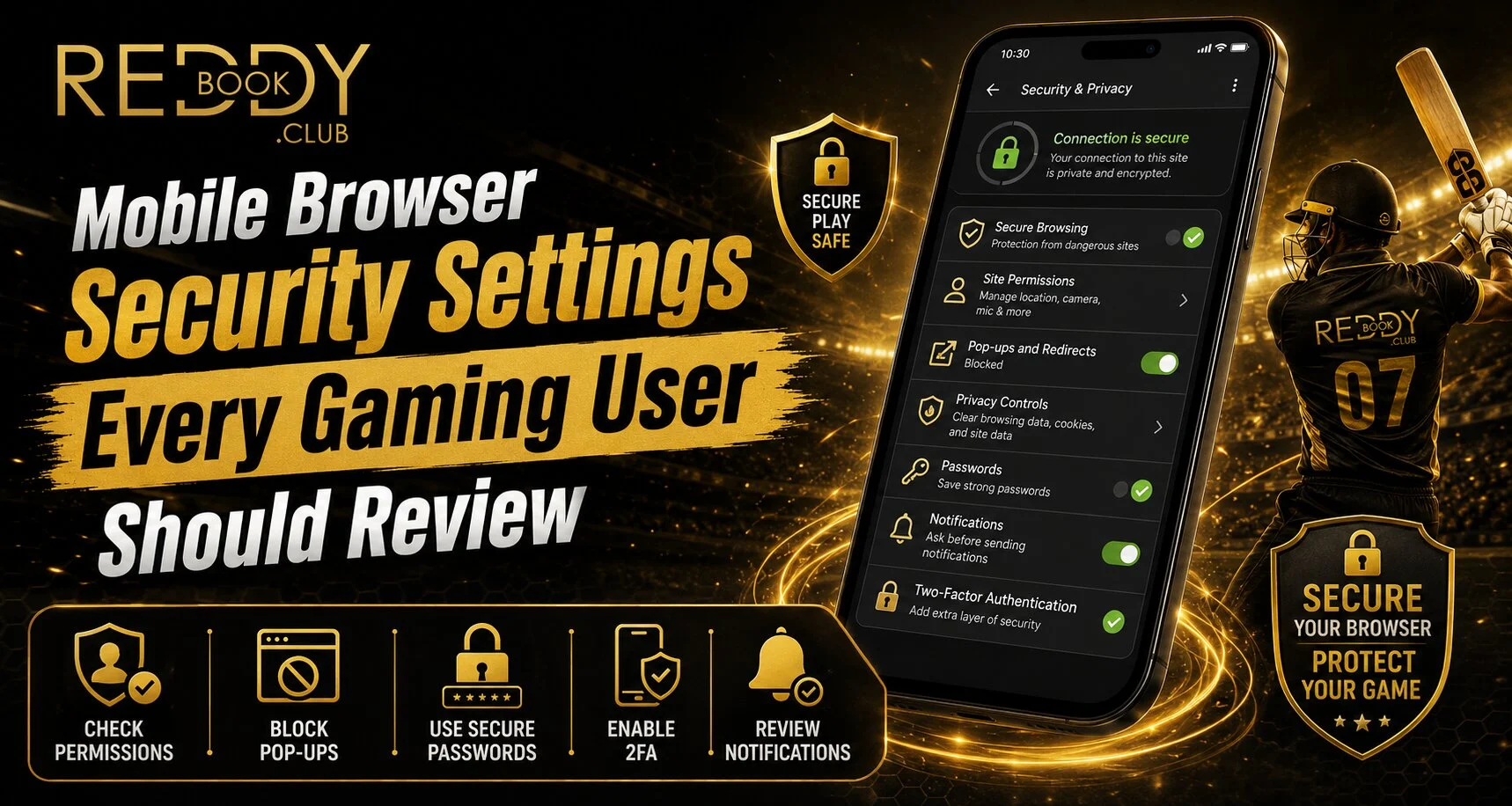
Turn On Safe Browsing Protection
Google Chrome provides Safe Browsing settings that warn users about potentially dangerous websites, downloads and extensions. Chrome currently offers Standard and Enhanced protection levels, with Enhanced protection providing more proactive security checks.
When accessing a Reddy anna book account, keeping browser protection enabled adds another layer of defence against suspicious links.
Users should regularly check:
- Safe Browsing protection
- Download warnings
- Suspicious website alerts
- Browser security notifications
Avoid disabling security warnings simply because a website is temporarily difficult to access.
Enable Secure HTTPS Connections
HTTPS helps protect information exchanged between your browser and a website. Chrome offers an “Always use secure connections” option that can warn users before they visit insecure public websites.
Before entering Reddy book login information, check the address bar carefully and confirm that you are visiting the intended website. The platform itself advises users to rely on official access points and keep passwords private.
Review Website Permissions
Websites may request permission to use your location, camera, microphone or notifications. Not every website needs access to all of these features.
Chrome allows Android users to review and reset permissions for individual websites.
Consider reviewing:
- Location access
- Camera permission
- Microphone access
- Notifications
- Pop-ups
- Automatic downloads
Users accessing a Reddy anna book platform should grant only permissions that are genuinely necessary for the service they are using.
Block Suspicious Pop-Ups
Unexpected pop-ups can sometimes contain misleading buttons, fake security warnings or unwanted redirects. Apple recommends enabling Safari’s Block Pop-ups feature and keeping Fraudulent Website Warning active on iPhone and iPad.
Never click a pop-up claiming your gaming account has been suspended unless you independently verify the message through the official website.
Check Saved Password Settings
Browser password managers can make login easier, but users should still maintain good password habits.
For safer Reddy book access:
- Use a unique password
- Avoid sharing login credentials
- Remove saved passwords from shared devices
- Check warnings about compromised passwords
- Use device screen protection
Chrome can warn Android users when a saved password may have appeared in a known data breach.
Keep Your Browser Updated
Browser updates often include security improvements and fixes. Running an outdated version can leave users without newer protections.
Keep both the browser and mobile operating system updated. Apple also recommends updating software when users encounter persistent unwanted pop-ups or suspicious browser behaviour.
Avoid Logging In Through Unknown Links
Gaming users frequently receive links through messaging apps, social media or promotional messages. Instead of opening unfamiliar login links, type the official address manually or use a trusted bookmark.
The official platform advises users to use verified access channels and avoid sharing account credentials with unknown sources.
Conclusion
Mobile browser security is an important part of protecting any online gaming account. Safe Browsing, HTTPS warnings, controlled permissions, pop-up blocking and secure password habits can all reduce unnecessary risk.
Users should also keep browsers updated, avoid unknown links and regularly review saved permissions. These habits cannot remove every online threat, but they can create a safer and more controlled mobile browsing experience.
FAQs
Which browser security setting should gaming users enable first?
Safe Browsing and secure-connection warnings are good starting points because they can alert users to suspicious websites and insecure connections.
Should gaming websites have access to my microphone or camera?
Only allow these permissions when a feature genuinely requires them. Otherwise, keeping unnecessary permissions disabled reduces exposure.
Are browser pop-up blockers useful?
Yes. Pop-up blockers can reduce unwanted interruptions, while fraudulent-site warnings can alert users to suspected phishing pages.
Is it safe to save gaming passwords in a browser?
A reputable browser password manager can be useful, especially on a secured personal device. Avoid saving passwords on shared or public devices.


