
Introduction
Payment-related issues can happen due to several reasons, including delayed updates, incorrect details, processing delays or technical problems. Before submitting a payment query, checking the available information can help users explain the issue clearly and avoid unnecessary delays. For users accessing Reddyanna, preparing the right details before contacting support can make the resolution process smoother.
A well-prepared payment query should include accurate transaction information while protecting sensitive details such as passwords, PINs and verification codes.
Review Your Transaction Details First
Before reporting a payment issue, the first step is to check your transaction history and confirm what happened.
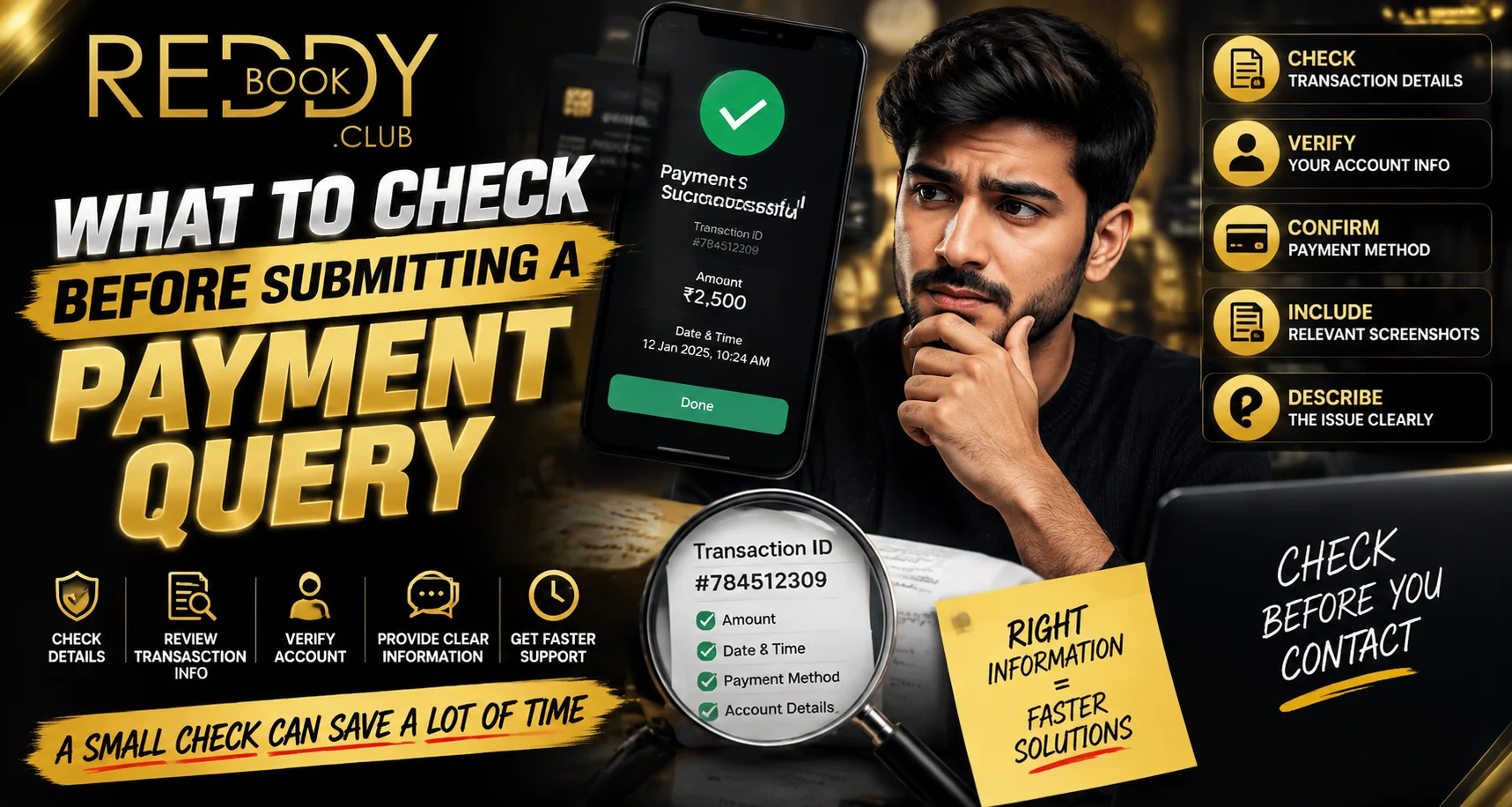
Important details to review include:
- Transaction date and time
- Payment amount
- Current transaction status
- Reference number
- Payment method used
- Account activity records
For a Reddy anna book user, reviewing these details can help identify whether the issue is related to processing, confirmation or account updates.
Confirm the Payment Status
Many payment concerns occur because users are unsure whether a transaction was completed successfully.
Common payment statuses may include:
Successful Transaction
A successful payment means the transaction has been completed. If the balance does not update immediately, users should verify the details before submitting a query.
Pending Transaction
A pending status means the payment is still being processed. Users should avoid making repeated attempts until the status becomes clear.
Failed Transaction
A failed payment indicates that the transaction was not completed. Checking the reason can help determine the next step.
Reversed Transaction
A reversed payment means the transaction may have been cancelled and processed according to payment system procedures.
Keep the Necessary Information Ready
Before submitting a payment query, prepare relevant details that can help explain the issue.
Useful information includes:
- Transaction reference number
- Date and time of payment
- Amount involved
- Payment method
- Error message details
- Screenshots showing transaction status (if required)
A Reddy book user should only share information that is necessary for resolving the issue.
Avoid Sharing Sensitive Information
While submitting payment queries, users should protect their personal security information.
Never share:
- Passwords
- UPI PIN
- OTP codes
- ATM details
- Full banking credentials
Legitimate support channels should not require private security information to review a payment issue.
Check Your Payment Method
Different payment methods may have different processing times and requirements.
Before raising a query, confirm:
- The correct payment option was used
- Bank details were entered correctly
- The payment was authorised
- The transaction appears in your bank records
Understanding the payment method can help identify where the issue occurred.
Check for Common Payment Issues
Many payment problems are caused by simple mistakes or temporary delays.
Common issues include:
- Incorrect payment details
- Internet interruptions
- Bank processing delays
- Duplicate payment attempts
- Incorrect transaction references
- Application or browser problems
Reviewing these possibilities before submitting a query can provide more clarity.
Provide a Clear Explanation
A clear description helps support teams understand the problem quickly.
A useful payment query should mention:
- What happened
- When the issue occurred
- What payment method was used
- What error appeared
- What action has already been taken
Avoid providing unnecessary information that does not relate to the payment concern.
Check Account and Device Conditions
Sometimes payment problems are linked to device or connection issues.
Before submitting a query, check:
- Internet stability
- Application updates
- Browser performance
- Device settings
- Recent account activity
For users accessing Reddyanna, keeping devices updated can help reduce technical problems.
Common Mistakes to Avoid Before Submitting a Query
Users should avoid:
- Sending incomplete transaction details
- Submitting multiple queries for the same issue
- Sharing private security information
- Ignoring transaction status
- Making repeated payments without confirmation
A careful approach can help prevent confusion and improve response time.
Conclusion
Checking important details before submitting a payment query can make the resolution process faster and more effective. Reviewing transaction history, confirming payment status, preparing relevant information and protecting sensitive details are essential steps.
For Reddyanna users, a clear and secure payment query approach helps avoid common mistakes and creates better account management habits. Taking a few minutes to verify details before contacting support can save time and reduce unnecessary complications.
FAQs
What details should I check before submitting a payment query?
Check transaction ID, payment amount, date, time, status and payment method before reporting an issue.
Should I share my UPI PIN when reporting a payment problem?
No. Never share your UPI PIN, OTP or password with anyone.
Why should I check transaction history first?
Transaction history provides important details that help identify whether a payment was successful, pending or failed.
Can internet issues affect payment processing?
Yes. Poor connectivity can sometimes interrupt payment attempts or delay updates.


