
Introduction
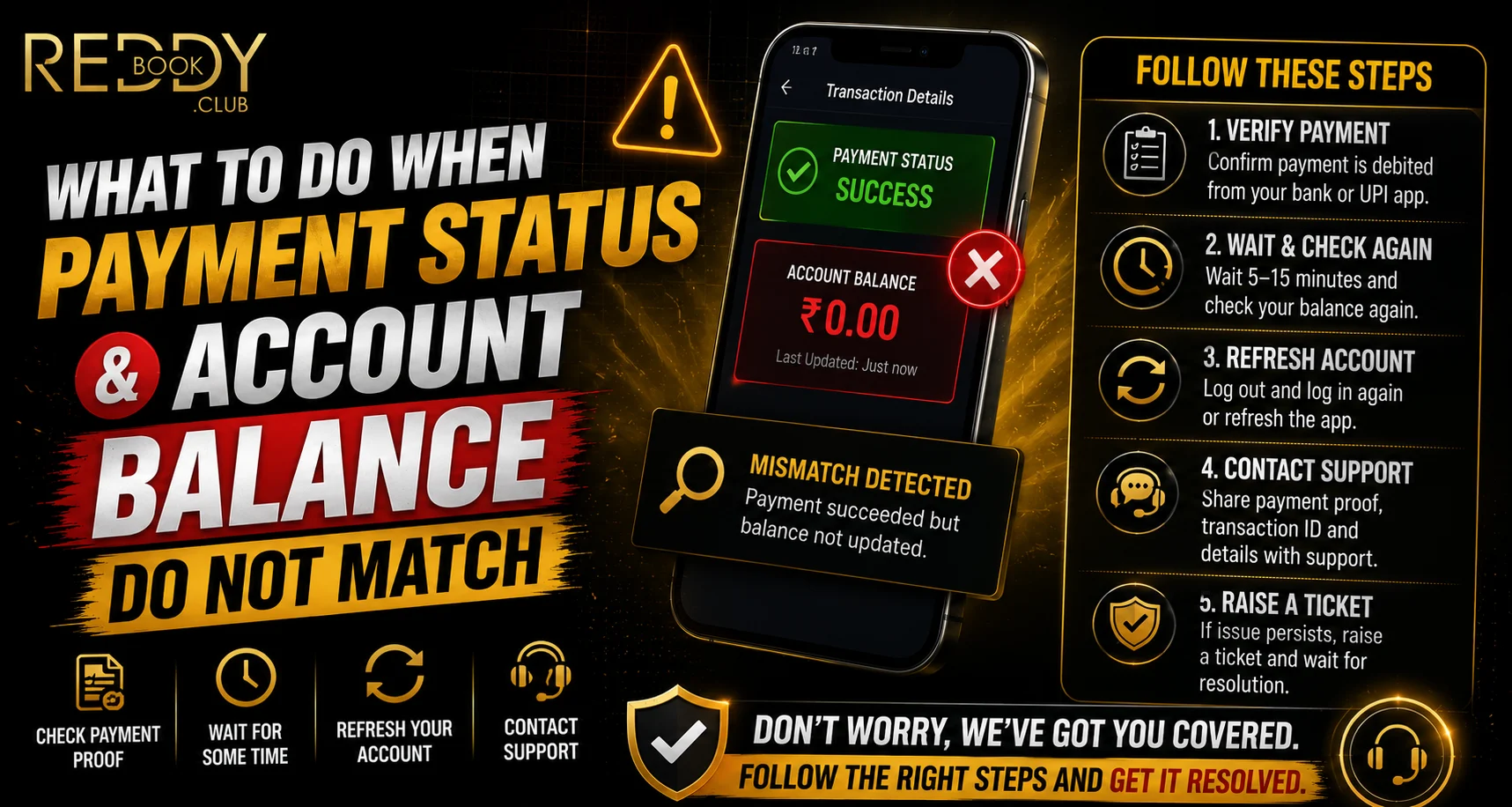
Seeing a payment marked as successful while the account balance remains unchanged can be confusing. For users managing transactions through Reddyanna, this mismatch may result from processing delays, network interruptions, bank-side updates or temporary synchronization issues. Instead of immediately repeating the payment, users should first check the transaction details and allow enough time for the systems involved to update.
A careful approach can help prevent duplicate payments and make it easier to provide accurate information if support assistance is required.
Check the Payment Status First
The first step is to confirm exactly what the payment provider or bank is showing. A transaction may appear as successful, pending, failed or reversed.
When using a Reddy anna book account, compare the platform transaction history with the information available in your banking or payment app.
Check details such as:
- Transaction status
- Payment amount
- Date and time
- Transaction or reference ID
- Bank account used
- Whether the amount was actually debited
A payment notification alone does not always confirm that the transaction has been fully settled.
Allow Time for Balance Synchronization
Sometimes a successful payment does not appear in the account balance immediately. Different payment systems may take time to communicate and update the final status.
For a Reddy book user, repeatedly refreshing the page or making another payment immediately may create more confusion. Waiting for the normal processing period can often resolve a temporary balance mismatch.
During this time, avoid making the same transaction again unless the first payment has clearly failed or been reversed.
Do Not Make Duplicate Payments
One of the most common mistakes is submitting another payment because the first one is not visible in the account.
If the original transaction later completes, both payments could be processed.
Before making another deposit through Reddy anna book, confirm:
- Whether the first amount was deducted
- Whether the transaction is still pending
- Whether a reversal has started
- Whether the account history shows the payment
- Whether the reference number is available
Keeping a record of the original transaction makes any later investigation easier.
Save the Transaction Reference
A transaction ID or reference number is one of the most useful pieces of information when resolving payment issues.
Users should save:
- Transaction ID
- Screenshot of payment status
- Amount paid
- Exact payment time
- Bank or payment method
- Relevant account details
When contacting Reddy book support, provide only the information requested through an official support channel. Never share passwords, OTPs, PINs or full banking credentials.
Check Whether the Payment Was Reversed
A transaction can sometimes be debited initially and then returned if it cannot be completed.
Check your bank statement rather than relying only on a notification. If the payment has been reversed, the account balance on the platform would normally remain unchanged because the transaction was not successfully completed.
Reversal timing can vary depending on the bank or payment provider.
Contact Support When the Mismatch Continues
If the payment is clearly marked successful, the money remains debited and the account balance still has not updated after the expected processing period, contact official customer support.
Provide concise information such as:
- Transaction reference number
- Payment amount
- Date and time
- Payment method
- Screenshot showing the status
Avoid sending sensitive credentials that are not necessary for resolving the transaction.
Common Mistakes to Avoid
Users dealing with payment mismatches should avoid:
- Making repeated payments immediately
- Sharing OTPs with support contacts
- Using unofficial payment links
- Deleting transaction screenshots
- Assuming every pending payment has failed
- Creating multiple support requests for the same transaction
Keeping one clear record of the issue usually makes the investigation easier.
Conclusion
A mismatch between payment status and account balance does not always mean the money has been lost. Processing delays, pending settlements, reversals and synchronization issues can all create temporary differences.
The safest approach is to verify the bank status, save the transaction reference, avoid duplicate payments and wait for the normal processing period. If the discrepancy continues, use the official support channel and provide the relevant transaction details without sharing sensitive account credentials.
FAQs
Why does my payment show successful but my balance has not changed?
There may be a delay between payment confirmation and the account balance being updated.
Should I make the payment again?
Not immediately. First confirm whether the original payment is pending, successful or being reversed.
What details should I save after making a payment?
Keep the transaction ID, amount, date, time, payment method and a screenshot of the status.
What should I do if the money is debited but the balance never updates?
Wait for the expected processing period and then contact official support with the transaction reference and payment details.


