
Introduction
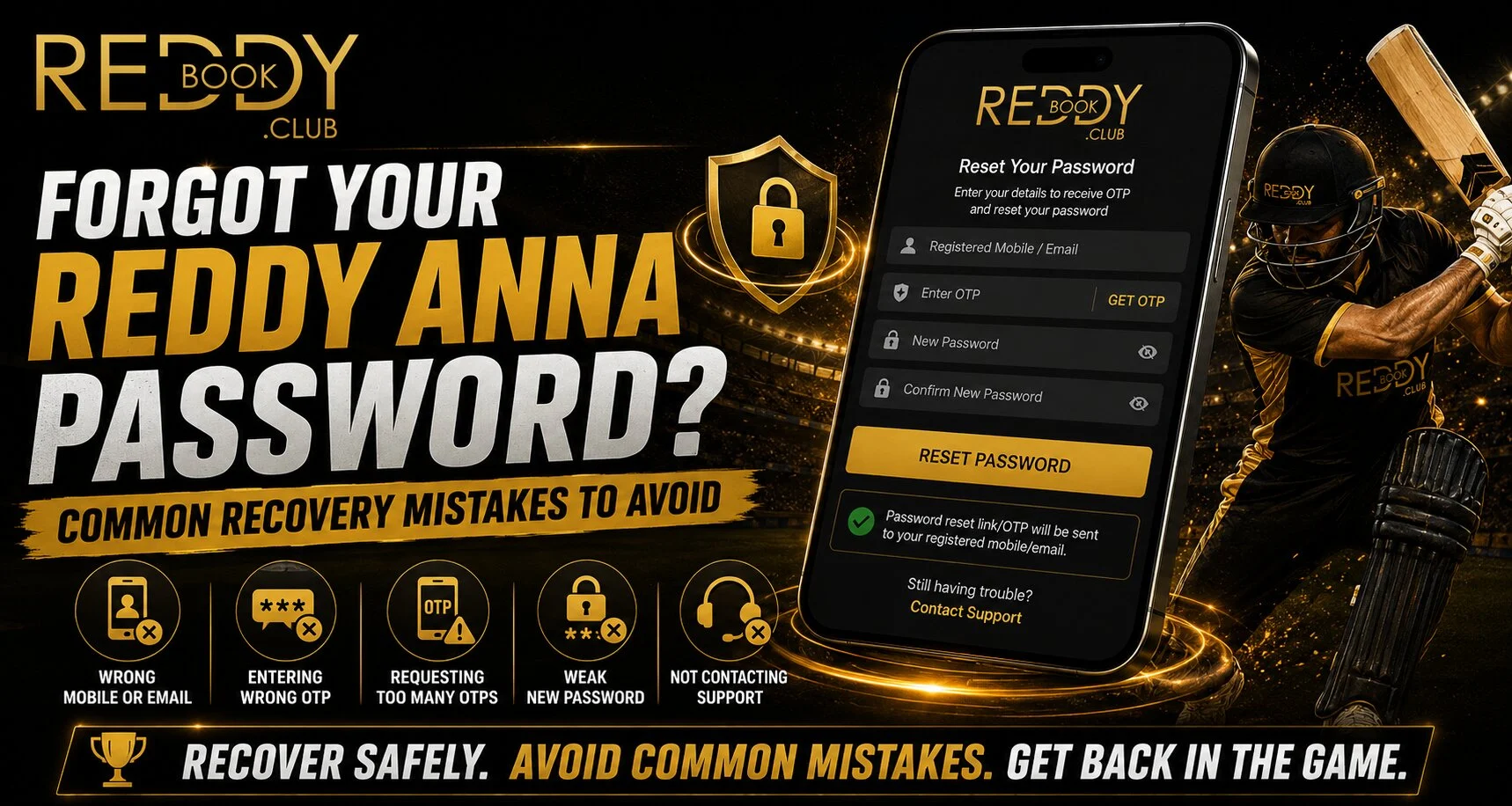
Forgetting an account password can be frustrating, especially when you want to access your account quickly. For users of Reddyanna, the official website states that password recovery support is available to help users reset their credentials and regain account access.
The safest approach is to avoid rushing through recovery. Repeated password attempts, unofficial support links and careless handling of verification details can turn a simple login problem into a security concern.
Use Only the Official Recovery Channel
One of the biggest mistakes users make is searching randomly for account-recovery contacts. Fake websites or unknown support accounts may ask for sensitive information.
When recovering a Reddy anna book account, start from the official website and follow the login or support options available there. The platform specifically recommends using official access channels and contacting customer support when assistance is required.
Avoid:
- Unknown recovery links
- Unverified messaging accounts
- Sharing passwords with another person
- Sending sensitive information through unofficial channels
Mistake 1: Trying Too Many Passwords
Repeatedly guessing old passwords is rarely helpful. It can create additional login difficulties and makes it harder to remember which credentials are current.
Instead, confirm that you are entering your username or account information correctly. If the password is genuinely forgotten, use the available recovery support instead of continually trying different combinations.
Mistake 2: Sharing Passwords or Verification Details
Account recovery may involve identity or account verification depending on the situation. However, users should remain cautious about what they share.
For a Reddy book account, never provide your password to unknown individuals claiming they can restore access. The official site advises users to keep passwords and account credentials private.
You should also avoid sharing sensitive verification information unless you are certain you are communicating through an authorised channel.
Mistake 3: Creating Another Weak Password
Recovering access is only half the process. The new password should improve account security.
A stronger password should:
- Be different from previous passwords
- Avoid names and birthdays
- Include a mix of characters
- Be difficult for others to guess
- Not be reused on email or banking accounts
The site’s account guidance recommends creating a unique password and keeping login credentials private.
Mistake 4: Using the Same Password Everywhere
Password reuse creates unnecessary risk. If credentials from another website are compromised, attackers may try the same combination on other accounts.
Users recovering a Reddy anna book login should therefore create credentials that are unique to that account. A password manager can also help users create and securely store complex passwords.
Mistake 5: Ignoring the Device and Browser
Sometimes the password may not be the only reason login fails. Before repeatedly resetting credentials, check basic technical issues.
Try:
- Confirming the internet connection
- Checking that the correct website is open
- Updating the browser
- Closing and reopening the login page
- Checking whether incorrect saved credentials are autofilling
For safer Reddy book access, avoid saving credentials on shared or public computers.
What to Do If Recovery Still Fails
If you cannot regain access, use the official support channel. The website says support covers login issues, account access and password recovery assistance.
When contacting support, clearly explain the issue without publicly sharing sensitive account information.
Conclusion
Password recovery should focus on both restoring access and protecting the account afterward. Use official channels, avoid repeated password guesses, create a unique new password and keep verification details private.
Most importantly, do not trust anyone promising instant recovery in exchange for your password or sensitive information. Careful account-security habits can help prevent the same problem from becoming a larger security issue.
FAQs
What should I do if I forget my password?
Start from the official website and use its available account-recovery or support options. The platform states that password recovery assistance is available.
Should I share my password with customer support?
You should keep your password private and avoid giving credentials to unknown individuals. The platform also advises users not to share account details.
Should I reuse my old password?
It is safer to create a new, unique password instead of reusing an older or commonly used password.
What if I still cannot access my account?
Contact the official support channel for login and recovery assistance rather than relying on unverified third parties.


