
Introduction
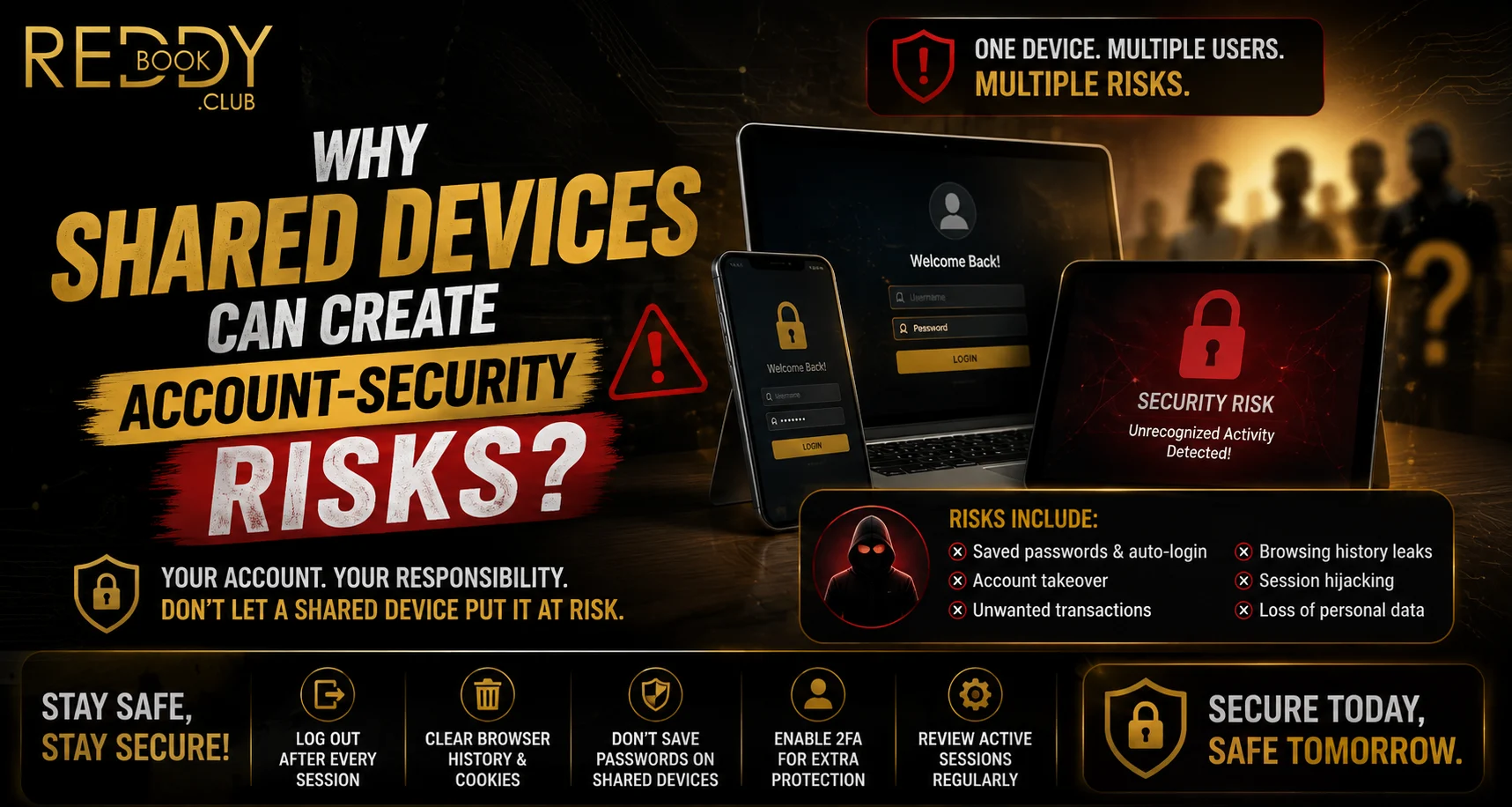
Sharing a smartphone or tablet with family members, friends, or colleagues can be convenient, but it also creates privacy and login risks. When Reddyanna is accessed on a device used by several people, saved passwords, active sessions, browser history, and visible notifications may expose account information. A few careful security habits can reduce the chance of accidental or unauthorized access.
Google recommends using a screen lock such as a PIN, pattern, password, or supported biometric method to help prevent unauthorized device access.
Why Shared Devices Increase Account Risk
A personal device is normally controlled by one user. A shared device is different because another person may be able to open recently used apps, access saved browser information, or view notifications.
When accessing a Reddy anna book account, common shared-device risks include:
- Saved usernames and passwords
- Active login sessions
- Visible OTP notifications
- Browser autofill information
- Downloaded account documents
- Screenshots containing sensitive details
- Weak or shared device passcodes
Even when another user has no harmful intent, accidentally opening an active account can still expose private information.
Saved Passwords Can Make Login Too Easy
Browsers and password managers often offer to remember credentials. This is useful on a private device but can create problems when several people use the same phone.
A Reddy book user should avoid storing sensitive login credentials in a browser profile that other people can access. Apple notes that anyone who knows a device passcode may be able to view or change information stored on that device, which is why a unique passcode is important.
Active Sessions Should Be Closed
Closing a browser tab does not always sign a user out. Some websites keep sessions active so that the account opens automatically during the next visit.
Before handing over a shared smartphone:
- Use the account’s logout option
- Close remaining browser tabs
- Remove unnecessary downloaded files
- Check whether credentials were saved
- Clear sensitive notifications
- Lock the device
These steps are particularly important after accessing payment or personal account sections.
Lock-Screen Notifications Can Reveal Information
Messages, verification codes, payment alerts, and account notifications may appear on the lock screen.
For a Reddy anna book user, an OTP visible in a notification could potentially expose account information to another person holding the phone. Android’s Security & privacy settings include controls related to device locking, privacy permissions, and lock-screen notifications.
Consider hiding sensitive notification content whenever multiple people regularly handle the device.
Strong Screen Locks Provide Another Barrier
Device-level protection is one of the most useful safeguards for shared smartphones.
Android supports PINs, patterns, passwords, and fingerprints on compatible devices. Apple similarly recommends setting a unique device passcode that other people do not know.
For better Reddy book account security:
- Use a strong device PIN or password
- Do not share the unlock code unnecessarily
- Enable biometric authentication where appropriate
- Change the passcode if someone should no longer know it
- Keep the operating system updated
Use Separate or Protected Spaces Where Available
Some Android devices provide additional privacy features. Android’s Private Space, for example, can keep selected apps behind a separate lock and stop those apps from showing notifications while the space is locked.
This can add separation on devices that must be shared, although users should still log out of sensitive accounts when finished.
Review Device Access Regularly
Users should periodically check whether an unfamiliar person or device has gained access to connected accounts.
Apple recommends reviewing devices associated with an Apple Account and checking for unexpected Face ID or Touch ID entries. Android also provides security and privacy alerts that can highlight device or account concerns.
Conclusion
Shared smartphones create account-security risks because passwords, active sessions, notifications, and browser data may remain available after one user finishes using the device.
The safest approach is to avoid saving sensitive credentials, log out after every session, hide private notifications, use a strong screen lock, and review device access regularly. Shared-device use does not automatically make an account unsafe, but it requires more careful security habits than using a personal smartphone.
FAQs
Is it safe to stay logged in on a shared phone?
It is safer to log out when you finish because another person may reopen the website or app and access the existing session.
Should passwords be saved on shared devices?
Avoid saving sensitive passwords in browser profiles that other device users can access.
Can lock-screen notifications expose an account?
Yes. Notifications can reveal verification codes, payment information, or other account-related details.
What is the most important shared-device security setting?
A strong screen lock is a good starting point because it helps prevent unauthorized access to the entire device.


