
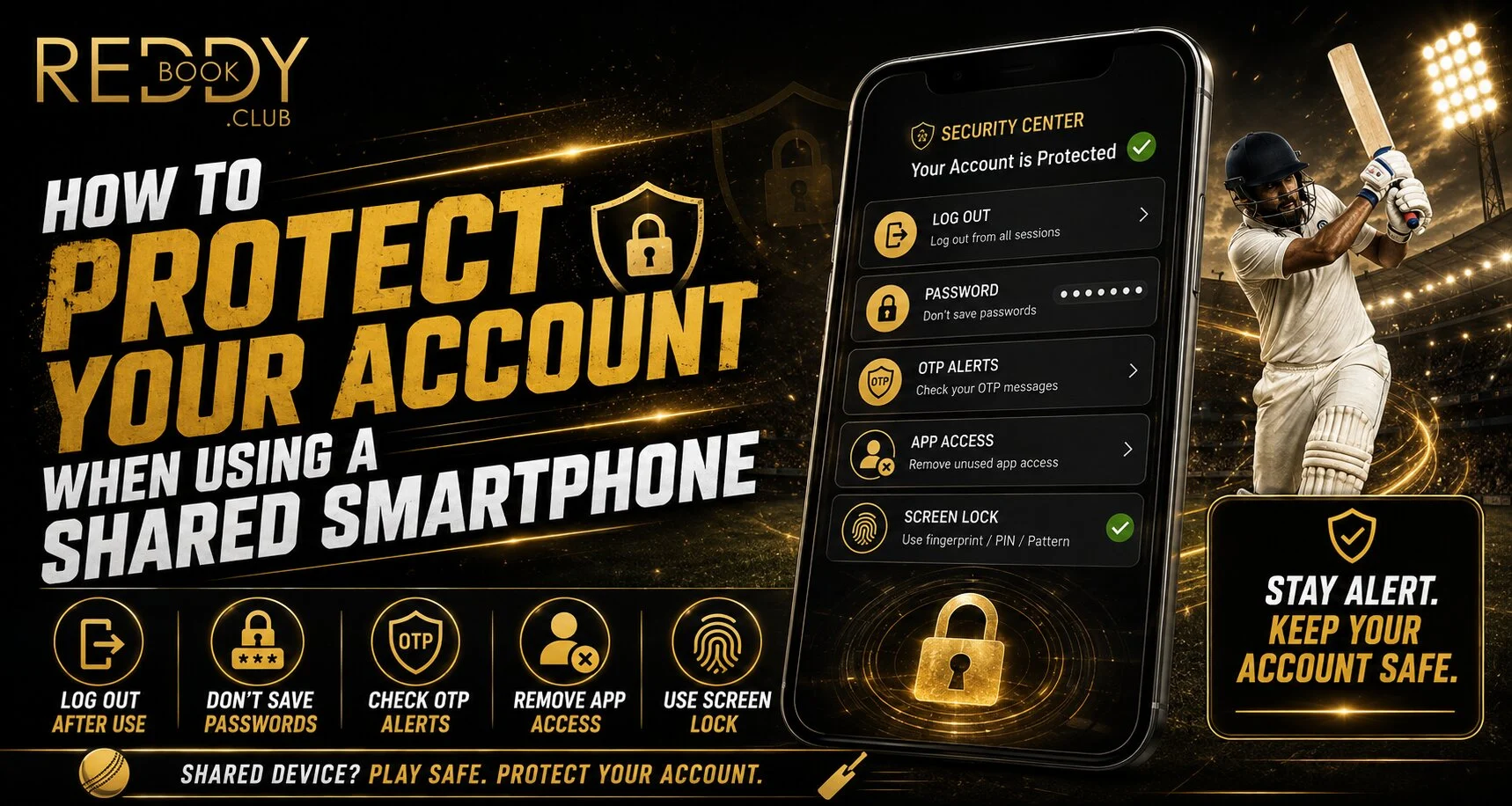
Introduction
Using a shared smartphone can be convenient, but it also creates additional account-security risks. When accessing Reddyanna on a device used by family members, friends or colleagues, users should take extra care with passwords, saved sessions and browser data. The official platform advises users to keep login credentials private and use verified access points.
Simple security habits can reduce the chance of another person accidentally or intentionally accessing your account.
Avoid Saving Your Login Details
Browsers often offer to save usernames and passwords after login. This feature is convenient on a personal phone, but it may create unnecessary exposure on a shared device.
When accessing a Reddy anna book account from a shared smartphone, avoid saving login credentials unless the device and browser profile are exclusively yours. Google Password Manager provides tools for managing stored passwords, but saved credentials should still be handled carefully on devices used by multiple people.
Check whether:
- Your password has been saved automatically
- Autofill is enabled for the login page
- Another browser profile can access saved credentials
- Your account remains signed in after closing the browser
Always Log Out After Every Session
Closing a browser tab does not always end an active login session. If the device is shared, another person may reopen the website and find the account still accessible.
For safer Reddy book access, use the platform’s logout option before handing the smartphone to someone else. The official website also recommends keeping passwords and account information private.
After logging out, reopen the page briefly to confirm that account information is no longer displayed.
Use a Strong and Unique Password
Never use the same password for gaming, email, banking and social-media accounts. If one service suffers a security incident, reused credentials can increase the risk to other accounts.
Google’s security guidance recommends keeping passwords private and avoiding suspicious messages or pages that request personal or financial information.
A strong password should:
- Be unique to the account
- Avoid names and birthdays
- Include a varied combination of characters
- Be difficult for another person to guess
- Be changed if you suspect someone has seen it
Check Browser Profiles and Saved Data
Some mobile browsers support separate profiles that can keep browsing history, passwords and other information separated. Chrome notes that profiles can help keep browser information distinct between users.
If you regularly access a Reddy anna book account on a shared phone, consider using a separate browser profile where available. However, remember that profiles are not a replacement for logging out and protecting the device itself.
Be Careful With OTPs and Notifications
Login codes and account notifications can appear directly on a shared phone’s lock screen. Anyone holding the device might be able to read them.
For better Reddy book security:
- Do not share OTPs
- Remove sensitive notifications from the lock screen
- Delete unnecessary login messages
- Avoid leaving verification codes visible
- Never send passwords through unknown messaging contacts
Google specifically advises users not to share passwords or respond to suspicious requests for sensitive information.
Use Screen Lock Protection
A secure screen lock adds another barrier if the phone is lost or temporarily left unattended. Use a strong PIN, password, fingerprint or face authentication supported by the device.
On iPhone, Apple also provides tools for reviewing account access and sharing permissions through Safety Check.
Quick Shared-Phone Security Checklist
Before leaving the device:
- Log out of the account
- Close active browser tabs
- Remove saved login details
- Clear unnecessary downloads
- Check browser autofill settings
- Hide sensitive notifications
- Never leave passwords in notes or messages
Conclusion
Using a shared smartphone requires more caution than using a personal device. Saving passwords, leaving sessions active or exposing OTPs can create avoidable security risks.
The safest approach is to keep credentials private, log out after every session, review saved browser information and use strong device protection. These small habits can significantly improve account privacy whenever multiple people use the same smartphone.
FAQs
Is it safe to stay logged in on a shared smartphone?
It is safer to log out after each session so another user cannot accidentally access the account.
Should I save my password on a shared phone?
Avoid saving sensitive credentials on devices used by multiple people unless you have a securely separated personal profile.
Can someone access my account through browser autofill?
Saved login information may make account access easier for someone who can use the same browser profile, so review autofill and stored-password settings.
What should I do if someone may know my password?
Change the password promptly, log out of active sessions where possible and review the account for unusual activity.


